Newsletter
Get the best indie finds in your inbox
New tools, product launches, and smart offers from indie makers.


Dubai housing forecasts with building-level sale prices, rental yields, ROI analysis, and DLD transaction data.

SubmitMap maps every place worth submitting your product: eligibility, submission steps, gotchas and approval times per platform, organised into a phased route from zero users to your first hundred. Connect your AI over MCP and it does the submitting.

Done-for-You SaaS Visibility for Search & AI | UseWok

Full X/Twitter routine on autopilot: replies, posts, reposts, DMs. Scale to 1,000 organic replies/day. Every day you wait, they grow.

One post, eight networks. Write it once and schedule across Facebook, X, Instagram, YouTube, TikTok, LinkedIn, Threads, and Bluesky.

Turn any menu into a QR ordering system with online orders, 70+ languages, and Google review collection in minutes.
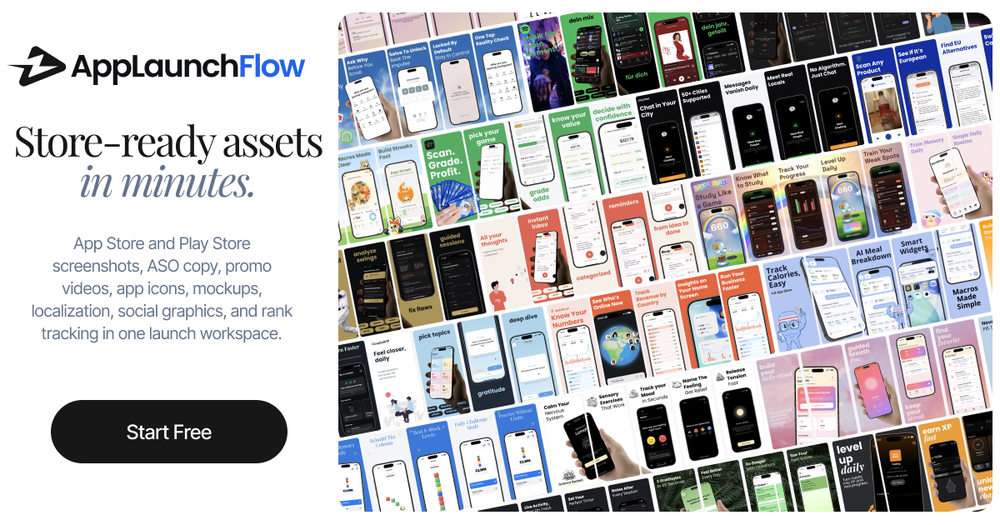
Create App Store and Play Store screenshots, ASO copy, promo videos, app icons, mockups, localization, social graphics, and rank tracking in one launch workspace.
Launching a mobile app is weirdly fragmented.
You build the actual product in one place, then suddenly you need:
And somehow all of that usually means jumping between Figma, Canva, spreadsheets, video tools, translation tools, App Store Connect, Play Console, and a folder full of exports named final-final-v3.png.
I built AppLaunchFlow because I wanted one workspace for the launch assets around an app.
The idea is simple: upload your raw app screenshots once, then reuse them across everything else.
AppLaunchFlow can help generate and edit:
The screenshot editor is the core of it. AI can draft layouts and copy, but you still get a visual editor to adjust text, spacing, colors, device frames, order, and export sizes. I wanted it to feel fast, but not like a black box.
There is also a promo video workflow that turns screenshots into a storyboard, an icon composer with layered editing, and a keyword monitor so you can see whether your ASO changes are actually moving rankings.
The landing page says: “Store-ready assets in minutes.”
That is the whole goal. Not to replace building the app, but to remove the repetitive launch work around it.
You can try it here:
I’d love feedback from other mobile devs: what is still the most annoying part of preparing an app store launch?